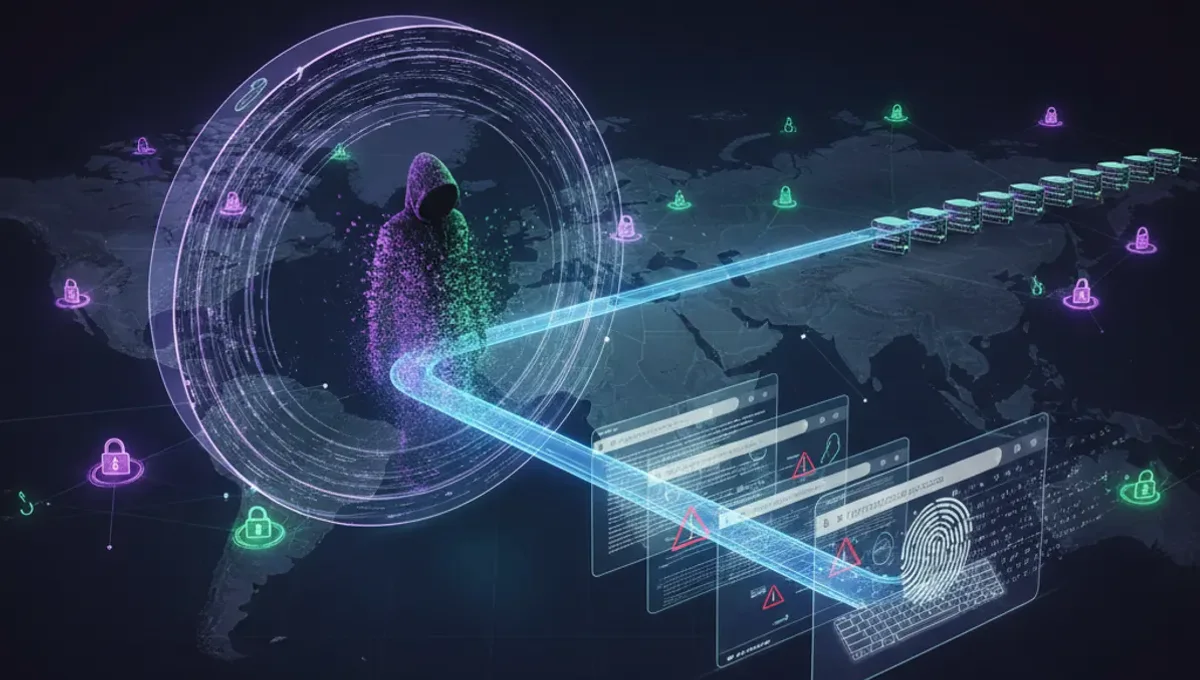
Understanding IP Address Location Data
An IP address contains encoded information about the Internet Service Provider (ISP) and the region where it was assigned. When you locate an IP address location, you're accessing geolocation databases that map IP ranges to physical coordinates, cities, and countries. These databases are maintained by regional internet registries and updated regularly as ISPs allocate new address blocks. The accuracy varies depending on the database quality and how recently it was updated. Some IP addresses resolve to city-level precision, while others only narrow down to a country or region. Mobile IPs and VPN services often show different locations than the actual device position, since the address may be registered to a data center rather than the user's physical location.
WHOIS Lookup for IP Address Location
WHOIS is the primary protocol for retrieving registration information about IP addresses. When you perform a WHOIS lookup on an IP address with location data, you receive details including the ISP name, registration date, and assigned geographic region. The WHOIS database pulls from authoritative sources like ARIN, RIPE, APNIC, and LACNIC depending on the IP's origin. A WHOIS query reveals the organization responsible for the address block, which often indicates the country and sometimes the city where the ISP operates. This method provides official registration records rather than estimated geolocation. WHOIS results include contact information for network administrators and abuse reporting. Free WHOIS tools are widely available online and require only the IP address to generate results.
Geolocation Databases and Mapping
Geolocation services use IP address location databases to estimate latitude and longitude coordinates. These databases cross-reference IP ranges with known geographic areas based on ISP infrastructure and user reports. Tools that map IP address with location typically display the country, state or province, city, and sometimes street-level accuracy. The precision depends on whether the IP is residential, commercial, or datacenter-based. Residential IPs tend to have better accuracy since they're tied to specific customer locations. Commercial and datacenter IPs may only resolve to the facility's address rather than individual users. Geolocation databases are maintained by companies specializing in IP intelligence and are regularly updated to reflect network changes. Most services offer both free and premium accuracy levels.
Finding Address IP Location for Your Own Device
To find the address IP location for your own device, visit an IP checker website and look for your public IP address displayed on the page. The site will automatically show your approximate location based on your ISP's registered address. Your public IP differs from your local network IP, which only works within your home or office network. The location shown is typically your ISP's headquarters or the regional office serving your area, not your exact home address. If you use a VPN or proxy, the displayed location for IP address will reflect the VPN server's location instead of your actual position. Mobile devices show the location of their cellular provider's network rather than GPS coordinates. Understanding this distinction helps you verify whether your privacy tools are working correctly.
Investigating Unknown IP Addresses
When you need to locate an unknown IP address location, start with a WHOIS lookup to identify the ISP and registration details. Cross-reference the results with geolocation tools to see the mapped coordinates and city information. Check whether the IP belongs to a known datacenter, cloud provider, or residential network. Suspicious IPs from unexpected countries or regions may indicate unauthorized access attempts or compromised accounts. Security logs often record IP addresses from login attempts, allowing you to investigate their origins. Combining location for IP address data with timestamp information helps identify patterns in unauthorized access. If you discover an IP address for location that appears malicious, report it to your ISP or relevant cybersecurity authorities. Multiple tools provide corroborating data to confirm suspicious activity.
Privacy Considerations When Checking IP Locations
Your public IP address is visible to every website you visit, making it possible for others to locate IP address location data about you. Websites, advertisers, and malicious actors can use geolocation to target you or infer your habits. VPNs mask your real IP by routing traffic through remote servers, changing your displayed location. Tor browser provides additional anonymity by bouncing connections through multiple nodes. Understanding how easily someone can locate your IP address location motivates many users to adopt privacy tools. However, even with protection, your ISP knows your real location since they assign your address. Disabling location services on your device prevents apps from sharing GPS data, though this doesn't hide your IP-based location. Regularly checking what location your IP reveals helps you verify your privacy setup is functioning.
Tools and Services for IP Location Lookup
Numerous free and paid services help you locate IP address location quickly. Basic tools display country, city, and ISP information within seconds. Advanced services offer API access for bulk lookups, historical data, and detailed threat intelligence. Some tools combine IP address location with location of IP address verification to detect VPNs and proxies. Specialized security platforms integrate geolocation with threat databases to flag malicious IPs. Browser extensions can show your current IP and location without visiting a separate website. Command-line tools like traceroute and nslookup provide technical methods to investigate IP routing paths. Choosing the right tool depends on whether you need quick verification or detailed analysis. Most services store lookup history, allowing you to track IP address with location changes over time.
Frequently asked questions
Can I locate an IP address location without special tools?
Yes, you can use free online IP lookup websites that instantly display your location based on your public IP address. Simply visit any IP checker site and it will show your country, city, and ISP information automatically. However, these basic tools provide only approximate locations. For detailed WHOIS data or historical information, you may need specialized services or command-line tools.
How accurate is IP address location data?
Accuracy varies significantly depending on the IP type and database quality. Residential IPs often resolve to city-level accuracy, while datacenter and VPN IPs may only show country or region. ISP databases are updated regularly but may lag behind actual network changes. Geolocation databases typically achieve 70-90% accuracy for city-level identification, though some sources claim higher precision for premium services.
What's the difference between WHOIS and geolocation for IP location?
WHOIS provides official registration records from internet registries, showing the ISP and assigned region. Geolocation uses databases to estimate physical coordinates and map IP addresses to cities. WHOIS is more authoritative but less precise, while geolocation offers better location specificity but relies on estimated data. Using both methods together provides the most complete picture of an IP address location.
Does a VPN change the location shown for my IP address?
Yes, a VPN masks your real IP address and replaces it with the VPN server's IP, so any location lookup shows the server's location instead of yours. This is the primary privacy benefit of VPNs. However, your ISP still knows your real location since they assigned your original address. Some advanced tracking methods can detect VPN usage even when the displayed location changes.
Can I locate an IP address location to a specific street address?
No, standard IP geolocation tools cannot pinpoint street addresses. They typically resolve to city, postal code, or neighborhood level at best. ISPs assign IP blocks to regions, not individual addresses. Only the ISP and law enforcement with proper authorization can map an IP to a specific residential address. Premium geolocation services may offer slightly better precision but still cannot identify exact home locations.