Use Tor Browser as Your Foundation
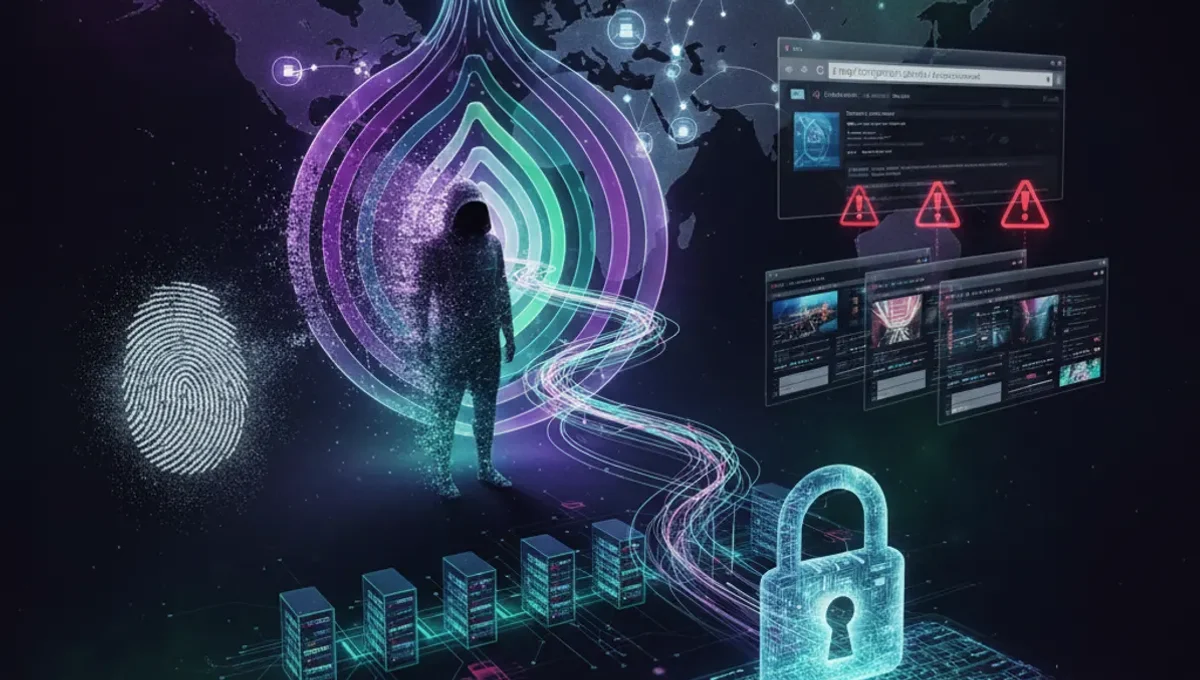
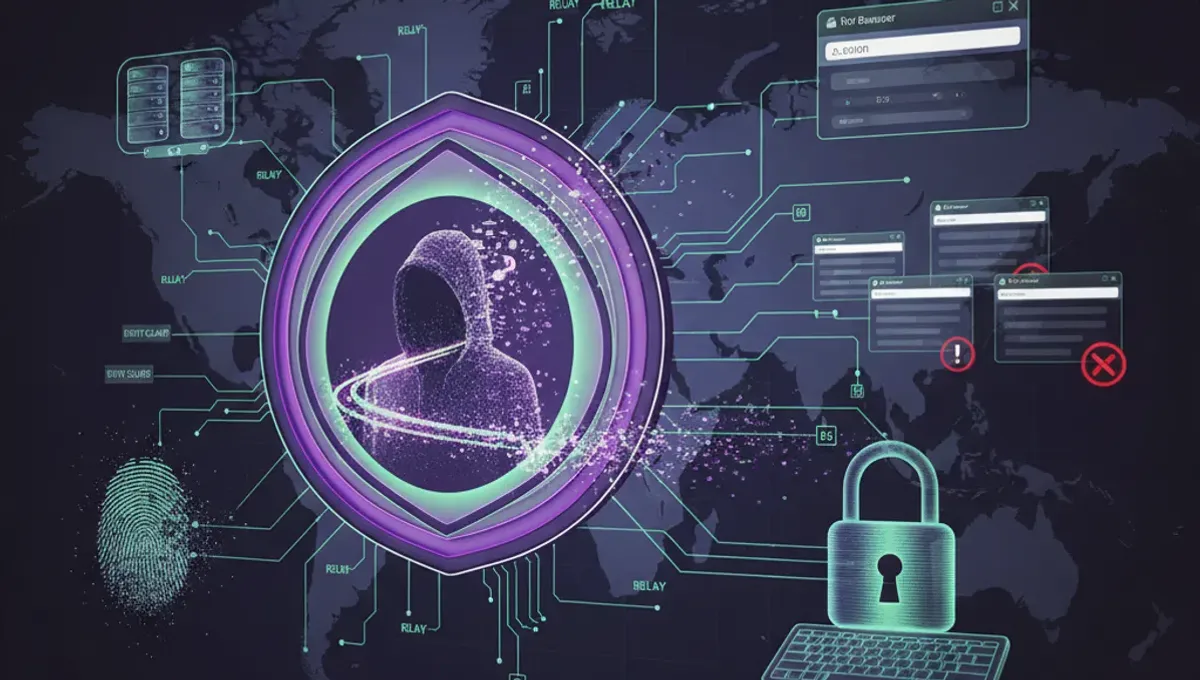
Tor Browser is the standard tool for dark web access because it routes your connection through multiple encrypted relays, making your IP address invisible to websites you visit. Download Tor Browser only from the official Tor Project website to avoid compromised versions. The browser automatically configures security settings and prevents browser fingerprinting, which is how sites identify users despite anonymity tools. After installation, connect to the Tor network and wait for the connection to establish before visiting any dark web addresses. Never maximize your browser window, as this can reveal your screen resolution and compromise anonymity. Keep Tor Browser updated regularly to patch security vulnerabilities.
Combine Tor with a Reliable VPN
Using a VPN before connecting to Tor adds an extra security layer by encrypting your traffic before it enters the Tor network. This prevents your internet service provider from seeing that you're using Tor at all. Choose a VPN provider with a strict no-logs policy and strong encryption standards. Connect to the VPN first, then launch Tor Browser. This configuration is called VPN-over-Tor and is recommended for users in countries with heavy internet censorship or surveillance. However, never use Tor-over-VPN as it can reduce anonymity. Ensure your VPN connection is stable before accessing dark web content to avoid accidental IP leaks.
Secure Your Operating System First
Your operating system security directly impacts dark web safety. Use a fully updated system with all patches installed, as outdated software contains exploitable vulnerabilities. Consider using a dedicated machine or virtual machine running a privacy-focused operating system for dark web activities. Disable JavaScript in Tor Browser settings, as malicious scripts can potentially reveal your real IP address. Turn off plugins and extensions that aren't essential. Use a firewall to monitor outgoing connections and block unauthorized traffic. Keep antivirus software active but ensure it doesn't interfere with Tor's operation. These foundational steps prevent malware from compromising your anonymity.
Practice Safe Browsing Habits on Dark Web Sites
Dark web sites often contain malware, scams, and illegal content. Never download files unless absolutely necessary, and scan them with antivirus software before opening. Avoid maximizing windows or changing display settings, as sites can detect this information. Don't enable plugins or extensions that might reveal your identity. Use separate usernames and passwords for dark web accounts, never reusing credentials from your regular internet activity. Disable images in Tor Browser to reduce bandwidth and avoid tracking pixels. Never assume a dark web site is legitimate based on appearance alone. Assume every site could be a honeypot designed to collect user information. Take screenshots carefully, as metadata can reveal your system details.
Understand Legal and Safety Risks
Accessing the dark web itself is legal in most countries, but many activities conducted there are not. Law enforcement agencies monitor dark web marketplaces and forums for illegal activity. Simply visiting a site doesn't make you a target, but purchasing illegal goods, downloading copyrighted material, or engaging in criminal activity carries serious legal consequences. Be aware that some dark web sites are operated by law enforcement as honeypots to catch criminals. Your ISP may flag Tor usage depending on your location and local laws. Understand your country's regulations before accessing the dark web. Consider consulting legal resources specific to your jurisdiction to understand potential risks.
How to Access the Dark Web on iPhone Safely
iPhone users can access the dark web through Onion Browser, an official Tor app available on the App Store. Download it from Apple's official store to ensure you're getting the legitimate version. Onion Browser provides similar anonymity to Tor Browser on desktop but with iOS-specific security considerations. The app automatically routes traffic through Tor relays. Use a VPN before launching Onion Browser for additional protection. Be aware that iOS apps have limited access to system resources compared to desktop browsers, which can affect certain dark web functionalities. Keep your iPhone updated with the latest iOS version. Never jailbreak your device, as this removes critical security protections that keep your anonymity intact.
Monitor Your Digital Footprint
Even with Tor and VPN protection, careless behavior can expose your identity. Never use personal information in usernames or profiles on dark web sites. Avoid discussing personal details that could be cross-referenced with your regular online identity. Don't upload photos or documents that contain metadata revealing your location or device information. Monitor your email accounts for unusual activity or password reset attempts. Use separate email addresses created specifically for dark web activities. Check your credit reports periodically for signs of identity theft. Be cautious about clicking links from dark web forums, as they may lead to tracking sites. Maintain operational security by keeping your dark web activities completely separate from your regular internet usage.
Frequently asked questions
Is it illegal to access the dark web?
Accessing the dark web itself is legal in most countries. However, many activities conducted on the dark web are illegal. Law enforcement monitors dark web marketplaces for criminal activity. Your location and local laws determine specific legal risks. Understanding your country's regulations before accessing the dark web is essential to avoid legal consequences.
Can I be traced while using Tor and VPN together?
Using Tor with a VPN significantly reduces tracing risks, but no system is completely foolproof. Law enforcement has successfully de-anonymized Tor users through various methods, including malware injection and traffic analysis. Your safety depends on maintaining good operational security practices, avoiding personal information disclosure, and understanding that determined adversaries may have advanced capabilities.
What should I avoid downloading on the dark web?
Avoid downloading executable files, documents with embedded scripts, and any files from untrusted sources. Malware is prevalent on dark web sites. If you must download something, scan it with antivirus software before opening. Consider using a virtual machine isolated from your main system for testing suspicious files. Never download files that seem too good to be true or come from unverified sources.
How often should I update Tor Browser?
Update Tor Browser immediately when updates become available. Security patches address vulnerabilities that could compromise your anonymity. Tor Browser notifies you when updates are ready. Enable automatic updates if possible. Outdated versions expose you to known exploits that malicious sites can use to reveal your identity or install malware on your system.
Can my ISP see that I'm using Tor?
Your ISP can see that you're connecting to Tor entry nodes, but they cannot see your actual dark web activity. Using a VPN before Tor hides even this connection from your ISP. However, in some countries, ISP monitoring of Tor usage may trigger investigation. Understanding your local regulations and ISP policies helps you assess personal risk levels before accessing the dark web.