What Makes Public WiFi Unsafe
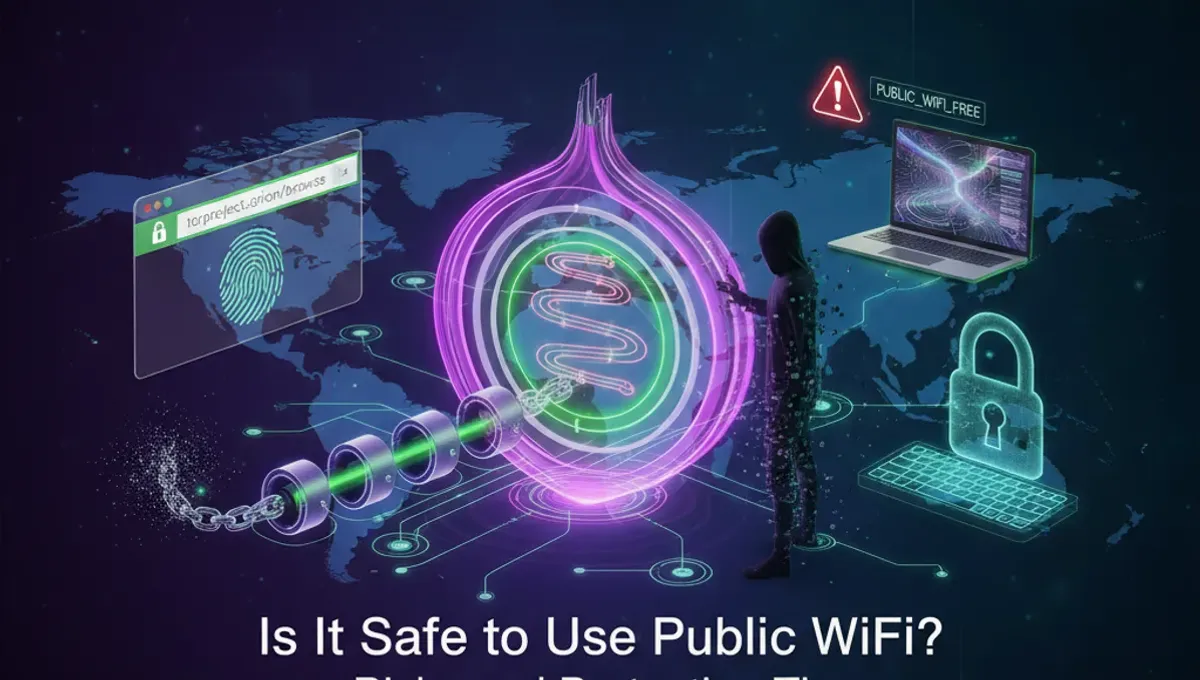
Public WiFi networks lack the security controls of private networks. When you connect to an open network at a café or airport, your data travels through shared infrastructure that others can monitor. Attackers use packet sniffing tools to capture unencrypted traffic, including login credentials, emails, and browsing activity. Additionally, malicious actors sometimes create fake WiFi networks with legitimate-sounding names to trick users into connecting. These rogue networks give attackers direct access to your device and all transmitted data. The lack of encryption on most public networks means your information is essentially broadcast to anyone nearby with basic technical knowledge.
Banking and Financial Transactions on Public WiFi
Using public WiFi for banking is particularly risky. Even if a website shows a padlock icon indicating HTTPS encryption, the initial connection and other background processes may be vulnerable. Attackers can perform man-in-the-middle attacks, intercepting communications between your device and the bank's servers. They may also use session hijacking to steal authentication tokens. If you must access banking services on public WiFi, use a VPN to encrypt all traffic. However, the safest approach is to avoid financial transactions entirely on public networks. Wait until you're on a secure, password-protected network at home or use your mobile phone's cellular data instead.
How Safe Is Public WiFi Really
Public WiFi safety depends on your behavior and the protections you use. The network itself is inherently unsafe because it's open and monitored. However, you can significantly reduce risks through proper security measures. Using a VPN encrypts your entire connection, making it much harder for attackers to see your data. Keeping your device's firewall enabled, disabling file sharing, and avoiding automatic connections to known networks also help. The reality is that public WiFi is never completely safe, but it becomes reasonably secure when you take appropriate precautions. Think of it like leaving your front door unlocked—the risk exists, but you can minimize it through other security layers.
VPN Protection for Public Networks
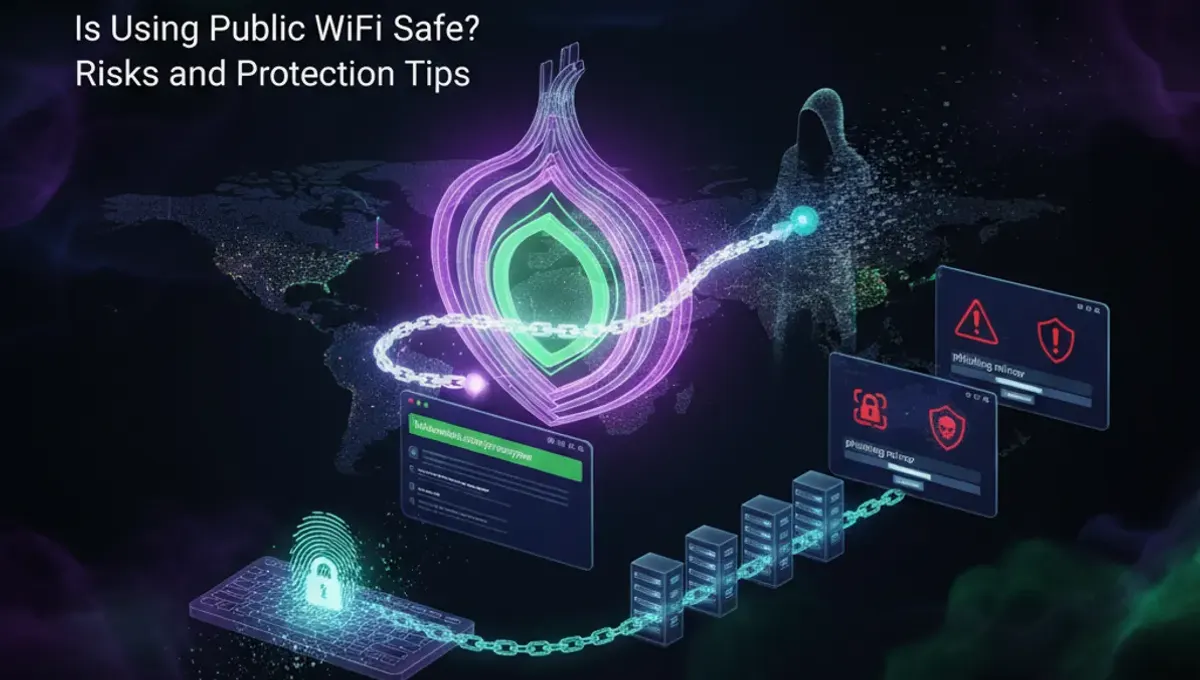
A Virtual Private Network (VPN) creates an encrypted tunnel for all your internet traffic, hiding your data from network eavesdroppers. When connected to a VPN on public WiFi, your browsing activity, login credentials, and personal information remain encrypted and invisible to other network users. VPNs also mask your IP address, adding an additional layer of privacy. Choose a reputable VPN provider with strong encryption standards and a clear privacy policy. Connect to the VPN before accessing any sensitive information on public networks. While VPNs significantly improve security, they're not a complete solution—you still need to practice good security habits like avoiding suspicious links and keeping software updated.
Additional Security Measures
Beyond VPNs, several practices enhance your safety on public WiFi. Disable automatic WiFi connection to prevent your device from joining unknown networks. Turn off file sharing and Bluetooth when not needed. Use two-factor authentication on important accounts so attackers can't access them even with stolen passwords. Avoid visiting websites that require sensitive information unless you're using a VPN. Keep your operating system and applications updated with the latest security patches. Consider using your phone's hotspot instead of public WiFi for critical tasks. Enable your device's firewall and use reputable antivirus software. These layered defenses make it much harder for attackers to compromise your device.
Legal Considerations and Dark Web Access
Using public WiFi itself is legal, but your activities on it must comply with local laws. Accessing illegal content or engaging in criminal activity remains illegal regardless of the network. The dark web exists as part of the internet, and accessing it through Tor or similar tools is legal in most countries. However, many activities on the dark web are illegal. Law enforcement monitors illegal marketplaces and activities. Using public WiFi doesn't provide anonymity for illegal actions—your ISP and network administrators can still identify you. If you're concerned about privacy for legitimate reasons, use legal tools like VPNs on your own network rather than relying on public WiFi for anonymity.
When to Avoid Public WiFi Entirely
Certain activities should never happen on public networks, even with a VPN. Avoid accessing sensitive financial accounts, entering credit card information, or managing cryptocurrency wallets. Don't perform administrative tasks on work systems or access confidential business data. Refrain from changing passwords or accessing accounts that control other services. Skip downloading large files or software updates that could be intercepted and modified. Don't engage in activities that require absolute privacy or security. If you need to perform these tasks, use a trusted private network at home or office. When traveling, consider purchasing a mobile hotspot or using your phone's cellular data for sensitive activities instead of relying on public WiFi.
Frequently asked questions
Can someone see my passwords on public WiFi?
Yes, without encryption, attackers can intercept unencrypted passwords transmitted over public WiFi. Using a VPN encrypts this data, making it unreadable to others on the network. Always use a VPN before entering passwords on public networks, and avoid accessing sensitive accounts when possible.
Is it illegal to use public WiFi?
Using public WiFi is legal. However, your activities on it must comply with laws. Accessing illegal content or engaging in criminal activity remains illegal regardless of the network you use. Public WiFi doesn't provide legal protection for unlawful actions.
Do I need a VPN for all public WiFi use?
A VPN significantly improves security on public WiFi, but it depends on your activities. For browsing general websites, the risk is lower. For banking, email, or accessing sensitive information, a VPN is highly recommended. It's the most practical way to protect your data on untrusted networks.
Can hackers access my files on public WiFi?
If file sharing is enabled on your device, hackers may access shared folders. Disable file sharing when on public networks. Using a VPN and firewall also provides protection. Keep your device's security settings configured to minimize exposure to network attacks.
What's the safest way to use public WiFi?
Connect through a VPN, disable file sharing and Bluetooth, enable your firewall, use two-factor authentication, and avoid sensitive transactions. Limit activities to browsing and non-critical tasks. For banking or confidential work, use your phone's cellular data or wait for a secure private network.