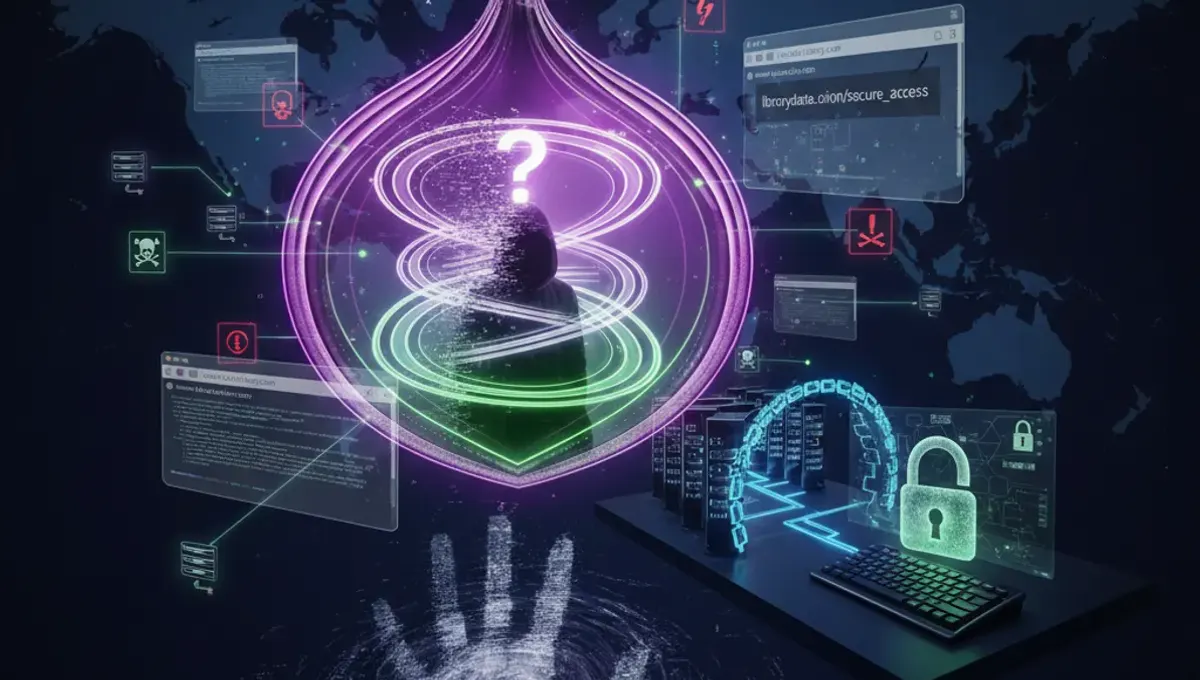
Why Public Library WiFi Presents Security Risks
Public WiFi networks lack the security controls found on private networks. Anyone can connect, making it easy for attackers to position themselves between your device and the internet. Without encryption, your data travels in plain text across the network. Attackers can use packet sniffing tools to capture passwords, emails, and sensitive information. The open nature of library networks means no authentication is required, removing a basic security layer. Additionally, libraries often prioritize accessibility over security, leaving networks vulnerable to exploitation.
Man-in-the-Middle Attacks on Public Networks
A man-in-the-middle attack occurs when someone intercepts communication between your device and the router. On public library WiFi, attackers can create fake hotspots with names similar to the legitimate network, tricking users into connecting. Once connected, they monitor all traffic passing through their device. This allows them to capture login credentials, financial information, and personal data. These attacks are particularly dangerous because victims often don't realize they're compromised. The attacker remains invisible while collecting sensitive information in real-time.
Malware Distribution Through Public WiFi
Libraries with weak security can become vectors for malware distribution. Attackers can inject malicious code into websites or files shared across the network. Your device might automatically download infected files or visit compromised sites without your knowledge. Malware can steal passwords, monitor keystrokes, or give attackers remote access to your system. Some malware spreads by exploiting vulnerabilities in your operating system or applications. Once infected, your device becomes a tool for further attacks against other users or your personal accounts.
What Activities Are Safe on Public Library WiFi
General browsing of public websites is relatively safe, though not risk-free. Reading news, watching videos, or accessing public content carries minimal risk. However, avoid logging into sensitive accounts like banking, email, or social media on public networks. Don't enter credit card information or personal identification numbers. Avoid accessing work files or confidential documents. If you must use these services, use a VPN to encrypt your connection. Even then, be cautious about which sites you trust. Stick to well-known, established services rather than unfamiliar platforms.
Using a VPN for Public WiFi Protection
A VPN encrypts your internet traffic and routes it through a secure server, masking your activity from network observers. This prevents attackers from seeing what websites you visit or capturing your login credentials. A VPN creates a secure tunnel between your device and the internet, protecting you even on unsecured networks. However, not all VPNs offer equal protection. Choose a reputable service with strong encryption standards. Keep in mind that a VPN protects your data in transit but doesn't prevent you from visiting malicious websites or downloading infected files. Always combine VPN use with other security practices.
Additional Security Measures for Public WiFi
Keep your device's operating system and applications updated with the latest security patches. Enable your firewall to block unauthorized access attempts. Disable automatic WiFi connection features that connect to networks without your permission. Turn off file sharing and Bluetooth when not needed. Use strong, unique passwords for all accounts. Enable two-factor authentication on important accounts for extra protection. Avoid downloading files from untrusted sources. Consider using a mobile hotspot from your phone instead of public WiFi for sensitive tasks. These layered defenses significantly reduce your vulnerability to attacks.
How Safe Is Public WiFi Compared to Mobile Data
Mobile data networks offer better security than public WiFi because they use encryption and authentication protocols. Your phone connects to a specific carrier network rather than an open broadcast signal. However, mobile data isn't completely risk-free. Your carrier can see your traffic, and older networks like 3G have known vulnerabilities. Public WiFi is generally less secure than mobile data but can be made safer with proper precautions. For sensitive activities, mobile data is the better choice. For general browsing, public WiFi with a VPN provides reasonable protection. The key difference is that mobile networks require authentication, while public WiFi doesn't.
Frequently asked questions
Can someone see my passwords on public library WiFi?
Yes, without encryption, attackers can intercept unencrypted passwords. Using a VPN encrypts your connection, making it much harder for others to capture your credentials. Always use a VPN when accessing accounts on public networks, and avoid logging into sensitive services without one.
Is it safe to check email on public library WiFi?
Checking email on public WiFi carries risks, especially if you're not using a VPN. Attackers can intercept your login credentials or monitor your messages. If you must check email, use a VPN first and ensure the connection is encrypted. Consider using your phone's mobile data instead for sensitive email access.
Can I do online banking on public library WiFi?
Online banking on public WiFi is risky even with a VPN. Banks use encryption, but the public network environment increases your vulnerability to other attacks. It's best to avoid banking on public WiFi entirely. If necessary, use a VPN and your phone's mobile data as a safer alternative.
What is the difference between public WiFi and mobile hotspot safety?
Mobile hotspots from your phone are more secure because they use cellular encryption and require authentication. Public WiFi is open to anyone and lacks these protections. Mobile data is generally safer for sensitive activities, though a VPN on public WiFi can reduce the security gap.
Do I need a VPN for basic web browsing on library WiFi?
For basic browsing of public websites, a VPN isn't strictly necessary but is recommended. A VPN adds an extra layer of protection against network monitoring and man-in-the-middle attacks. It's especially important if you'll be on the network for extended periods or accessing any accounts.