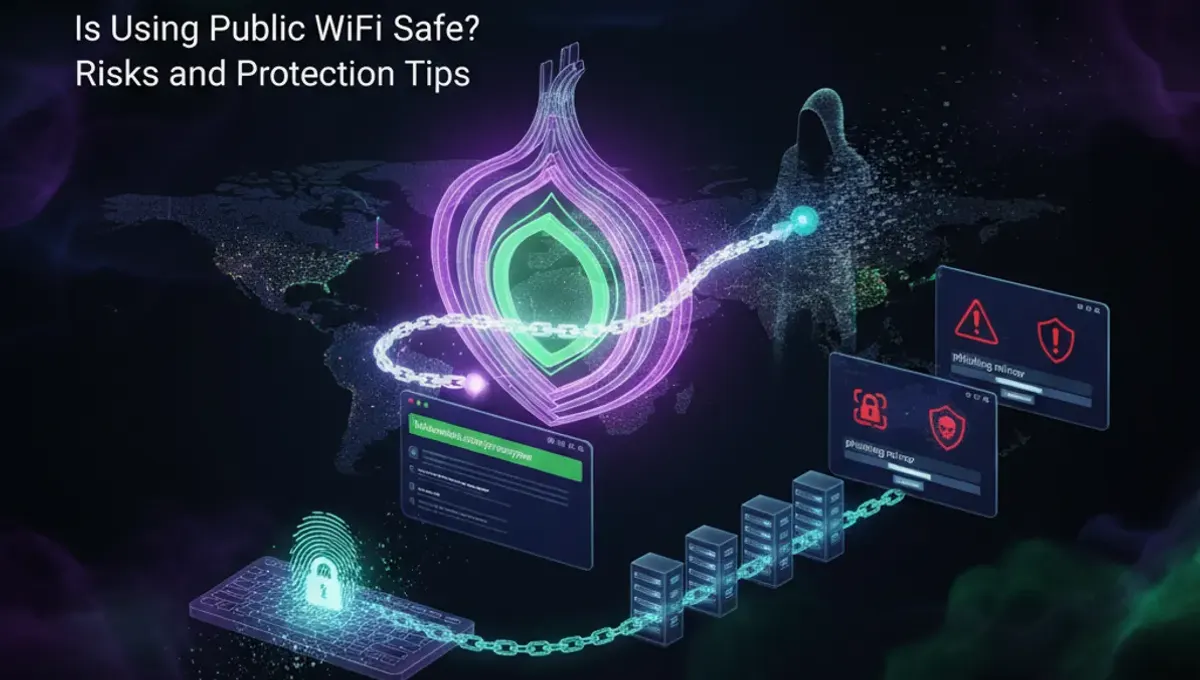
Man-in-the-Middle Attacks on Public Networks
When you connect to public WiFi, attackers can position themselves between your device and the router to intercept your communications. This technique, known as a man-in-the-middle attack, allows criminals to capture sensitive information like passwords, emails, and financial data. Unencrypted connections are particularly vulnerable since the data travels in plain text. Even if you're browsing seemingly harmless websites, your login credentials and personal messages can be captured. Public networks lack the security protocols found on private networks, making interception relatively straightforward for someone with basic technical knowledge.
Malware Distribution Through Compromised Networks
Attackers can set up fake WiFi hotspots with legitimate-sounding names to trick users into connecting. Once connected, malware can be silently installed on your device without your knowledge. These infected networks may also serve malicious files disguised as software updates or documents. Your device becomes a target for ransomware, spyware, and trojans that steal personal information or lock your files for ransom. Even legitimate public networks can be compromised by attackers who gain control of the router itself, turning it into a distribution point for malicious software.
Data Interception and Privacy Concerns
Public WiFi networks transmit data with minimal encryption, making it easy for eavesdroppers to monitor your activity. Websites you visit, search queries, and online communications can all be logged by someone monitoring the network traffic. This is particularly concerning for sensitive activities like online banking, shopping, or accessing personal accounts. Even if a website uses HTTPS encryption, metadata about which sites you visit can still be captured. Your browsing history, location data, and device information become visible to network monitors, compromising your privacy even when you're not entering passwords.
How Safe Is Public WiFi for Banking and Shopping
Using public WiFi for financial transactions significantly increases your risk of fraud and identity theft. While HTTPS encryption protects the content of your banking session, attackers can still monitor when you're accessing financial sites and potentially intercept session tokens. Phishing attacks are also more effective on public networks, where criminals can redirect you to fake banking websites. Your financial information, credit card numbers, and account credentials are prime targets for cybercriminals. It's advisable to avoid any financial transactions on public networks, including checking account balances or making purchases, regardless of the security measures you believe are in place.
Is Public Library WiFi Safe Compared to Other Networks
Public library WiFi carries the same risks as other free networks, despite being provided by trusted institutions. Libraries typically prioritize accessibility over security, leaving their networks vulnerable to attacks. The open nature of library networks means anyone can connect without authentication, making it easier for attackers to blend in and monitor other users. While libraries may have some basic security measures, they often lack the advanced protections found on corporate or home networks. The shared environment means your device is exposed to potentially compromised devices from other users, increasing the risk of lateral attacks where malware spreads between connected devices.
Protecting Yourself on Public Networks
If you must use public WiFi, employ protective measures to minimize risks. A VPN encrypts your entire connection, making it difficult for attackers to intercept your data or monitor your activity. Enable two-factor authentication on important accounts to add an extra security layer. Disable automatic WiFi connection features that cause your device to connect to networks without your explicit approval. Turn off file sharing and disable Bluetooth when not in use. Keep your operating system and applications updated with the latest security patches. Avoid accessing sensitive accounts or conducting financial transactions on public networks whenever possible.
When Is Using Public WiFi Safe
Public WiFi is reasonably safe for basic activities that don't involve personal or financial information. Browsing news websites, watching videos, or reading public content poses minimal risk. However, even these activities can expose your browsing habits and device information. The safest approach is to treat public networks as inherently untrusted and apply protective measures regardless of your intended activity. Consider using your mobile device's hotspot feature instead, which provides a more secure connection. If you need to work remotely or access sensitive information, wait until you can connect to a trusted private network or use a properly configured VPN service.
Frequently asked questions
Can hackers see my passwords on public WiFi?
Yes, on unencrypted public networks, hackers can intercept passwords through man-in-the-middle attacks. They can capture login credentials for email, social media, and other accounts. Using a VPN encrypts your connection and protects your passwords from being intercepted by network monitors.
Is it safe to check email on public WiFi?
Checking email on public WiFi exposes your login credentials and email content to potential interception. If your email provider uses HTTPS, the content is encrypted, but the connection itself remains vulnerable. Avoid accessing email accounts containing sensitive information on public networks.
What is the biggest risk of using public WiFi?
The biggest risk is man-in-the-middle attacks where criminals intercept your data between your device and the router. This allows them to capture passwords, financial information, and personal data. The lack of encryption on most public networks makes this attack relatively easy to execute.
Does a VPN make public WiFi completely safe?
A VPN significantly improves security by encrypting your connection and hiding your activity from network monitors. However, it doesn't make public WiFi completely safe. You should still avoid financial transactions and use strong passwords. Choose a reputable VPN provider with a no-logs policy.
Can malware be installed just by connecting to public WiFi?
Malware can be installed through compromised networks or fake hotspots, but modern devices have protections against automatic installation. However, malicious files can be served to your device, and if you download and open them, infection occurs. Keep your device updated and avoid downloading files from untrusted sources.