How Public WiFi Networks Work
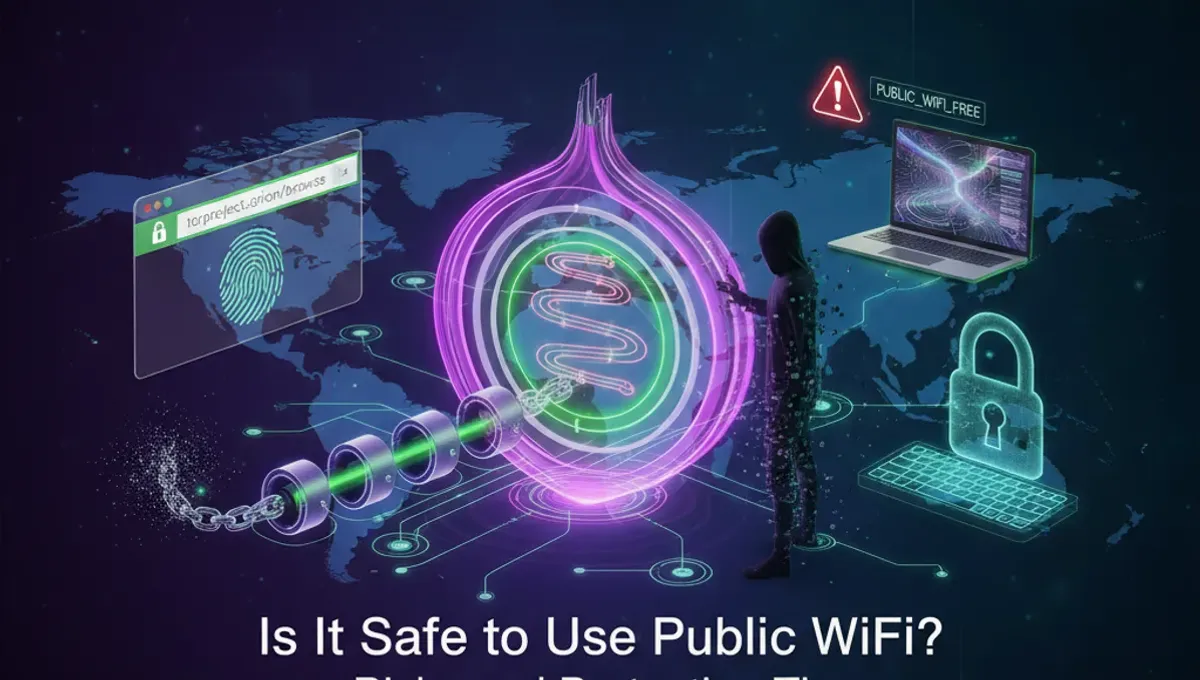
Public WiFi operates through wireless access points that broadcast an open signal, allowing multiple devices to connect simultaneously. Unlike private networks protected by unique passwords, public networks use minimal or no encryption. When you connect, your device communicates with the router and other connected devices over unencrypted channels. This means data transmitted over these networks can potentially be intercepted by anyone with basic technical knowledge. The convenience comes at a cost: your traffic lacks the protection provided by private networks, making it vulnerable to eavesdropping and data theft.
Common Security Threats on Public WiFi
Man-in-the-middle attacks occur when hackers position themselves between your device and the network, intercepting your communications. Packet sniffing allows attackers to capture unencrypted data packets containing passwords, emails, and personal information. Malicious hotspots, sometimes called evil twins, mimic legitimate networks to trick users into connecting. Once connected, attackers can monitor all your activity. Additionally, malware distribution happens when hackers inject infected files into the network, potentially compromising your device. These threats are particularly dangerous because they operate silently without obvious signs of compromise.
What Data Is at Risk
On public WiFi, several types of sensitive information become vulnerable. Login credentials for email, banking, and social media accounts can be captured if transmitted without encryption. Financial transactions, including credit card numbers and payment information, face significant risk. Personal messages and communications may be intercepted and read by attackers. Browsing history reveals your interests and visited websites. Even seemingly harmless data like your device's MAC address and connected accounts can be exploited for identity theft or targeted attacks. Healthcare information, work documents, and confidential communications are equally exposed on unprotected networks.
Safe Practices for Public WiFi Usage
Using a VPN creates an encrypted tunnel for your internet traffic, protecting data from interception even on public networks. Disable auto-connect features that automatically join known networks without your permission. Turn off file sharing and ensure your firewall is enabled. Avoid accessing sensitive accounts like banking or email on public WiFi unless using a VPN. Use HTTPS websites whenever possible, indicated by a padlock icon in your browser. Keep your operating system and applications updated with security patches. Consider using your smartphone's hotspot instead of public WiFi for critical tasks. Enable two-factor authentication on important accounts for additional protection.
Public WiFi vs. Private Networks
Private networks require authentication through a unique password, limiting access to authorized users only. They typically use WPA3 or WPA2 encryption standards that protect data transmission. Public networks sacrifice security for accessibility, making them inherently less safe. Private networks allow you to control who connects and monitor network activity more effectively. However, private networks in your home or office still require proper configuration to remain secure. Understanding this distinction helps you make informed decisions about which networks to trust with sensitive activities. Your home WiFi should always be password-protected and use strong encryption.
Understanding Fintech and Online Security
As financial technology continues evolving, understanding what is fintech becomes important for public WiFi users. Fintech applications handle sensitive financial data, making them particularly vulnerable on unsecured networks. Mobile banking apps, payment platforms, and investment tools should never be accessed on public WiFi without a VPN. Financial institutions increasingly implement security measures, but your network connection remains a weak point. The intersection of fintech security and public WiFi usage highlights why protecting your connection matters. Never conduct financial transactions on open networks, regardless of the fintech platform's security features.
Emerging Technologies and Network Security
New AI technologies like what is Microsoft Copilot are being integrated into security tools to detect threats on networks. Advanced monitoring systems now use machine learning to identify suspicious activity patterns. Understanding what is deepseek AI and similar technologies helps you appreciate how security evolves. Meanwhile, the dark web remains a marketplace where stolen data from public WiFi breaches is bought and sold. Knowing what is in the dark web motivates stronger personal security practices. These technological advances underscore the importance of protecting yourself on public networks, as threats continue becoming more sophisticated and harder to detect without proper tools.
Frequently asked questions
Is it safe to use public WiFi without a VPN?
Using public WiFi without a VPN is risky. Your data can be intercepted by attackers. A VPN encrypts your traffic, making it much safer. For sensitive activities like banking or shopping, always use a VPN on public networks. Even with a VPN, avoid accessing highly sensitive accounts when possible.
Can WiFi owners see what websites I visit on public WiFi?
Yes, without encryption, network administrators can potentially see your browsing activity. A VPN prevents this by encrypting your traffic. Using HTTPS websites also helps protect your privacy. However, the WiFi owner can still see that you're connected and how much data you're using.
What should I avoid doing on public WiFi?
Avoid accessing banking accounts, entering credit card information, or logging into email without a VPN. Don't download sensitive files or conduct financial transactions. Disable file sharing and auto-connect features. Avoid entering passwords for important accounts. If you must do these things, use a VPN first.
How can I tell if a public WiFi network is legitimate?
Ask staff at the location for the correct network name. Be wary of networks with similar names to legitimate ones, as these may be evil twin hotspots. Connect only to networks you can verify with employees. Avoid networks with generic names like 'Free WiFi' without confirmation from the establishment.
Does using public WiFi put my phone at risk?
Yes, phones are vulnerable on public WiFi just like computers. Attackers can intercept data from apps and browsers. Use a VPN on your phone when connecting to public networks. Keep your phone's software updated and disable auto-connect features to reduce exposure to malicious networks.